Pollo.ai

Video starting point

Create better clips with the pollo ai video generator free

pollo ai video generator free workflows are easiest when you begin with one clear subject, a defined motion, and a short visual goal. Use the prompt console to hand off a focused idea and refine the result from there.

Prompt handoff to Pollo
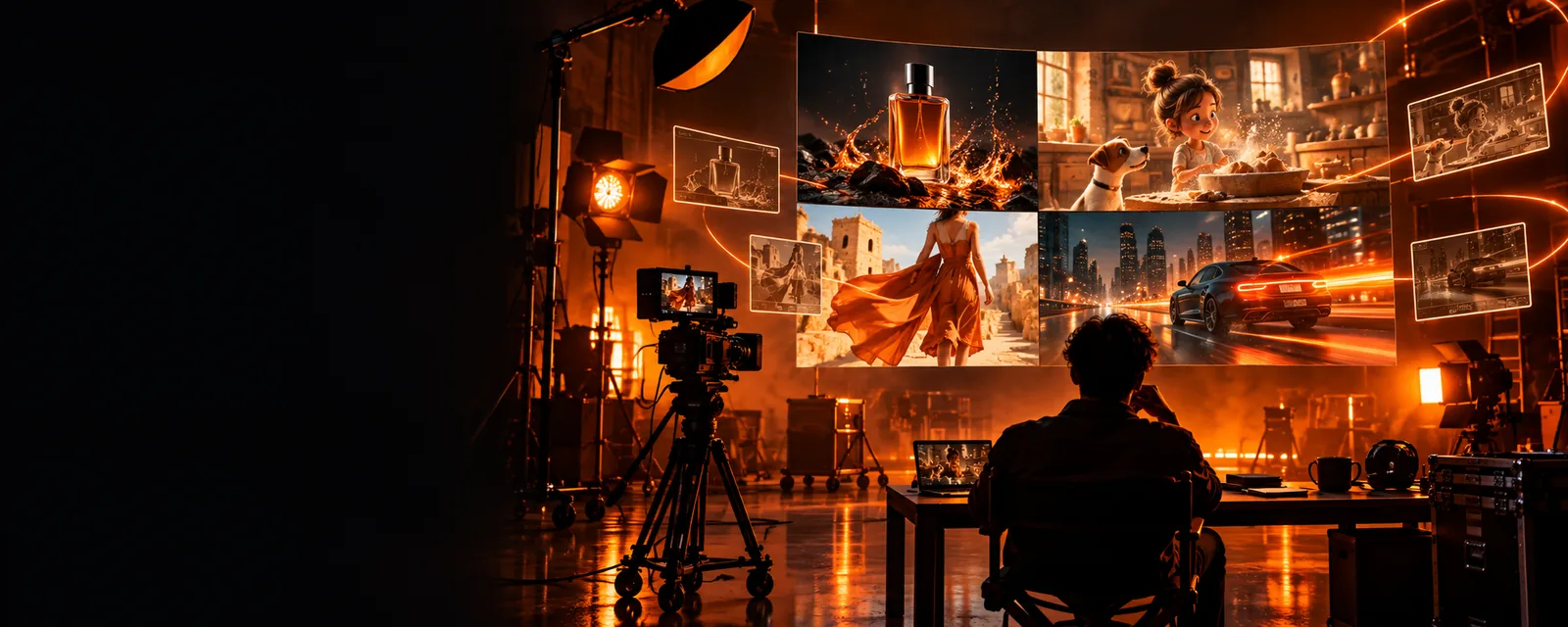
Abstract cinematic video scene with warm orange light

Useful starting points

Choose the route that matches your goal before writing a prompt. Each page covers a different part of the Pollo workflow without assuming the same output or access conditions.

What fails

A free video generator route can be useful for testing ideas, but it is not a guarantee of perfect motion, unlimited iteration, or production-ready continuity.

Long prompts become muddy

Packing several characters, locations, camera moves, and style changes into one prompt can produce a visually confused clip.

Workaround

Start with one subject and one movement, then add detail only after the basic scene reads clearly.

Fine identity control is limited

A generated face, outfit, or object may shift between frames, especially when the prompt describes fast movement or a complex group.

Workaround

Use distinctive but simple visual traits and keep the shot short when consistency matters.

Free access may have boundaries

Availability, generations, queues, model choices, or output controls can vary by the live Pollo experience and account context.

Workaround

Treat the first run as a test, check the current interface, and save the prompt before trying another variation.

Text inside scenes may distort

Signs, labels, subtitles, and small interface elements are often less reliable than larger visual forms.

Workaround

Add text during editing when exact spelling and placement are important.

One full run-through

This three-part workflow keeps the first attempt small enough to diagnose and the next attempt specific enough to improve.

  1. 1

    Define one moving subject

    Name the subject, setting, action, camera behavior, and mood. A compact sentence gives the generator fewer competing instructions.

  2. 2

    Run the first variation

    Submit the prompt through the handoff console, then inspect whether the subject, motion, framing, and lighting match the core idea before judging polish.

  3. 3

    Revise one variable

    Change only one major element at a time: camera angle, action, style, or environment. This makes each result easier to compare and learn from.

Options table

The right choice depends on whether you are testing a visual idea or trying to deliver a finished sequence. Use this comparison to set expectations before generating.

Focused test clip
Production-minded workflow

Primary goal

Focused test clip

Explore one visual concept quickly

Production-minded workflow

Build material for a wider edit

Prompt style

Focused test clip

Short and concrete

Production-minded workflow

Structured with shot, action, style, and continuity notes

Scene complexity

Focused test clip

One subject and one clear action

Production-minded workflow

Multiple elements planned across separate shots

Iteration approach

Focused test clip

Change one detail per variation

Production-minded workflow

Track prompts, selects, and approved versions

Text accuracy

Focused test clip

Use visual placeholders

Production-minded workflow

Add exact titles or labels in post-production

Best use

Focused test clip

Mood boards, concept tests, social drafts

Production-minded workflow

A sequence assembled from several controlled clips

Useful quantities

These numbers are planning guidelines for a disciplined first pass, not promises about Pollo output limits or account access.

Keep the first prompt visually focused
1 subject
Give the motion a clear center
1 action
Define, run, then revise the clip
3 steps
Change one major detail per iteration
1 variable

From prompt to comparison

A before-and-after view helps separate the initial visual idea from the refined direction you want to carry into the next prompt.

Initial AI video concept shown as a rough visual direction First concept
Refined AI video concept shown as a more focused scene Refined direction
Compare the idea, not just the polish.

Who this workflow suits

Different creators need different levels of control. Start with the use case closest to your project, then adjust the prompt around its real constraint.

Concept designer

You need a moving mood reference for a pitch, storyboard, or visual exploration.

A short focused clip can make an abstract direction easier to discuss before production begins.

free pollo ai video

Social creator

You want a striking visual beat for a short post without planning a full narrative sequence.

A single action and strong setting give the clip a clear opening idea and an easier edit.

free pollo ai video

Action prompt tester

You are exploring a human interaction or gesture and need to watch how motion reads over time.

A narrow prompt reveals whether the movement feels natural before you build a larger scene.

pollo ai kissing

Video learner

You are learning how wording changes framing, movement, and atmosphere in generated video.

A repeatable three-step process makes each experiment easier to compare and explain.

pollo ai tutorial

Turn one idea into a test clip

Bring a single scene, action, and visual mood to the Pollo handoff. Start small, inspect the motion, and use what you learn to shape the next version.

Generate a video
  • Use one clear subject
  • Revise one variable at a time
  • Save prompts that produce useful motion

Frequently asked questions

These answers address the practical questions behind the search for a free Pollo video generator route.

A free route may let you test video generation, but the exact access, model selection, queue, and output conditions depend on the live Pollo experience. Check the interface at the time you use it rather than assuming every feature is available.

Describe one subject, one action, the setting, the camera feel, and the visual mood. Short prompts are usually easier to diagnose, so add complexity only after the first result clearly matches the basic idea.

It can help with concepting, rough social drafts, mood references, and early visual tests. For a finished sequence, plan to review consistency, motion, text accuracy, and editing needs before treating a generated clip as final.

Change one major variable at a time instead of rewriting everything. If the subject is unclear, simplify the scene; if the motion is weak, describe the action and camera movement more directly; if text is wrong, add it during editing.

Start creating
Start creating