Pollo.ai

Practical guide

A clear pollo ai tutorial for your first video workflow

This pollo ai tutorial walks through the basic process from idea to review, with practical checks for prompts, pacing, consistency, and next-round improvements.

Review before publishing
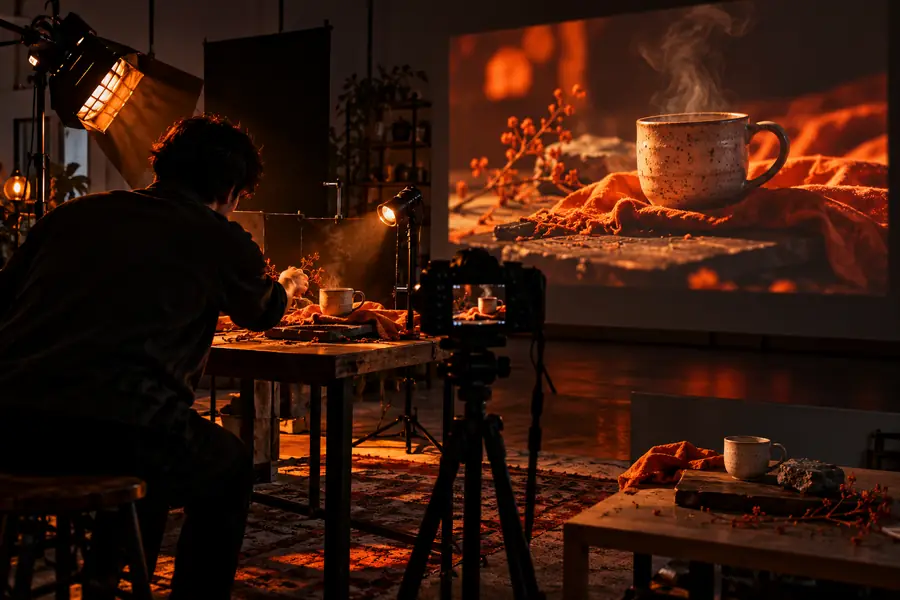
Pollo AI tutorial workflow preview

Prerequisites

A little preparation makes the first generation easier to judge. Gather the creative direction, reference material, and delivery requirements before you begin.

A prompt is not a finished brief

A short sentence may leave subject, setting, movement, mood, and camera direction open to interpretation.

Workaround

Write one clear sentence for the subject and action, then add only the visual details that affect the result.
The tutorial cannot guarantee an exact first result

Generative video involves interpretation, so a good prompt can still produce unexpected composition, motion, or styling.

Workaround

Treat the first output as a draft. Change one variable at a time instead of rewriting everything at once.

A generated clip is not automatically publication-ready

You still need to check continuity, unwanted objects, readable text, audio needs, framing, and whether the result matches your audience.

Workaround

Use a short review checklist before downloading, editing, or sharing the clip.

This page does not replace the product interface

The guide explains a repeatable workflow, but labels, controls, available models, and output options may change in the live Pollo experience.

Workaround

Use the current interface as the source of truth and apply the principles here to the controls you see.

Numbered steps

Use this three-part loop for a focused first attempt: define the shot, inspect the result, and revise with evidence.

  1. 1

    Define one visual moment

    Choose a single subject, action, setting, and point of view. For example, describe a cyclist moving through a bright city street rather than asking for an entire story with several scene changes.

  2. 2

    Generate and inspect the draft

    Read the result as an editor. Check whether the subject is clear, the action is visible, the camera movement supports the idea, and the mood matches the intended audience.

  3. 3

    Revise with one focused change

    If the motion is weak, strengthen the action. If the framing is wrong, specify the camera position. If the look is inconsistent, simplify the style and remove competing instructions.

  4. 4

    Keep the useful version

    Save the strongest direction and note what changed between attempts. This creates a small prompt library you can reuse for related scenes instead of starting from zero.

Common errors and fixes

Most early problems come from unclear priorities rather than a lack of imagination. These related guides add context when your question is about access, capabilities, or trust.

Advanced tips

Once the basic workflow feels comfortable, compare your creative brief with the generated draft using the same criteria every time.

Loose first prompt
Controlled revision

Subject

Loose first prompt

A person walking in a city

Controlled revision

A young adult in a yellow raincoat walking toward camera

Action

Loose first prompt

Walking

Controlled revision

Takes three steady steps while holding a closed umbrella

Setting

Loose first prompt

A city

Controlled revision

A wet downtown street with soft evening reflections

Camera

Loose first prompt

Cinematic shot

Controlled revision

Medium tracking shot at eye level, camera moving backward

Motion priority

Loose first prompt

Implied by the scene

Controlled revision

Smooth forward movement with natural coat and umbrella motion

Visual style

Loose first prompt

Highly stylized and dramatic

Controlled revision

Natural color, soft contrast, realistic street lighting

Revision method

Loose first prompt

Replace the entire prompt

Controlled revision

Change one weak element and compare the next draft

Advanced tips in practice

Different creators need different levels of control. Start with the simplest useful brief, then add detail only where it changes the outcome.

Social video creator

You need a short attention-grabbing opener for a vertical post but do not want the prompt buried in production jargon.

Describe the first visible action, the framing, and the emotional beat. Keep the scene narrow so the opening reads quickly.

free pollo ai video

Brand marketer

You are testing a product mood before commissioning a larger campaign shoot.

Name the product, audience, lighting direction, camera movement, and brand-safe tone. Avoid adding claims that the generated visual cannot prove.

pollo examples youtube

Beginner creator

You have an idea but are unsure which details matter most in a first attempt.

Begin with subject, action, setting, and camera view. Use the review step to discover which extra detail is actually needed.

what is a pollo

Video editor

You want draft footage that can guide a later edit rather than a final film with every decision solved.

Ask for one clean shot, specify the intended transition or beat, and judge the clip by how well it supports the edit around it.

pollo ai video generator free

Researcher or reviewer

You are evaluating whether the tool fits a workflow before relying on it for repeated creative tasks.

Run the same brief with controlled changes, record the differences, and review the platform context separately from the visual result.

is pollo ai safe

From rough brief to usable direction

Early Pollo tutorial prompt concept Before: broad idea
Refined Pollo video concept After: directed shot
The strongest revision adds priorities, not clutter.

Turn your next idea into a focused draft

Use the workflow above to write one scene, create a draft, and evaluate it against a short checklist. A clear first attempt gives you something concrete to improve and makes later prompts easier to compare.

Create a video
  • Start with one visual moment
  • Review motion and framing
  • Revise one variable at a time

Tutorial FAQ

Here are concise answers to the main question behind this guide: can someone learn a practical workflow for using Pollo AI without treating the first result as final?

Yes. Start with one clearly defined scene, describe the subject and action, add the setting and camera direction, then review the first result before revising. The most reliable workflow is iterative: generate a draft, identify one weakness, and change one detail at a time.

Include the subject, visible action, setting, camera view, and overall mood. Keep the prompt focused on one moment, because too many characters, locations, or style instructions can make the result harder to judge.

First identify the specific mismatch: subject, movement, framing, lighting, or style. Revise that element directly and leave the parts that worked unchanged, so you can tell whether the adjustment helped.

Add detail when it affects what appears on screen, such as camera position, movement, lighting, or wardrobe. Avoid decorative wording that does not establish a visible priority; a concise brief with clear hierarchy is easier to refine.

Not necessarily. Review continuity, unwanted objects, motion quality, framing, text, audio expectations, and fit for the intended audience before sharing. Treat the first output as a draft unless your own review confirms it meets the need.

Start creating
Start creating