Pollo.ai

Video creation guide

A clearer way to understand pollo ai

Pollo ai brings prompt-led video experimentation into one creative workflow. Use this guide to see how the process fits together, what it can help with, and where human direction remains essential.

Review every result
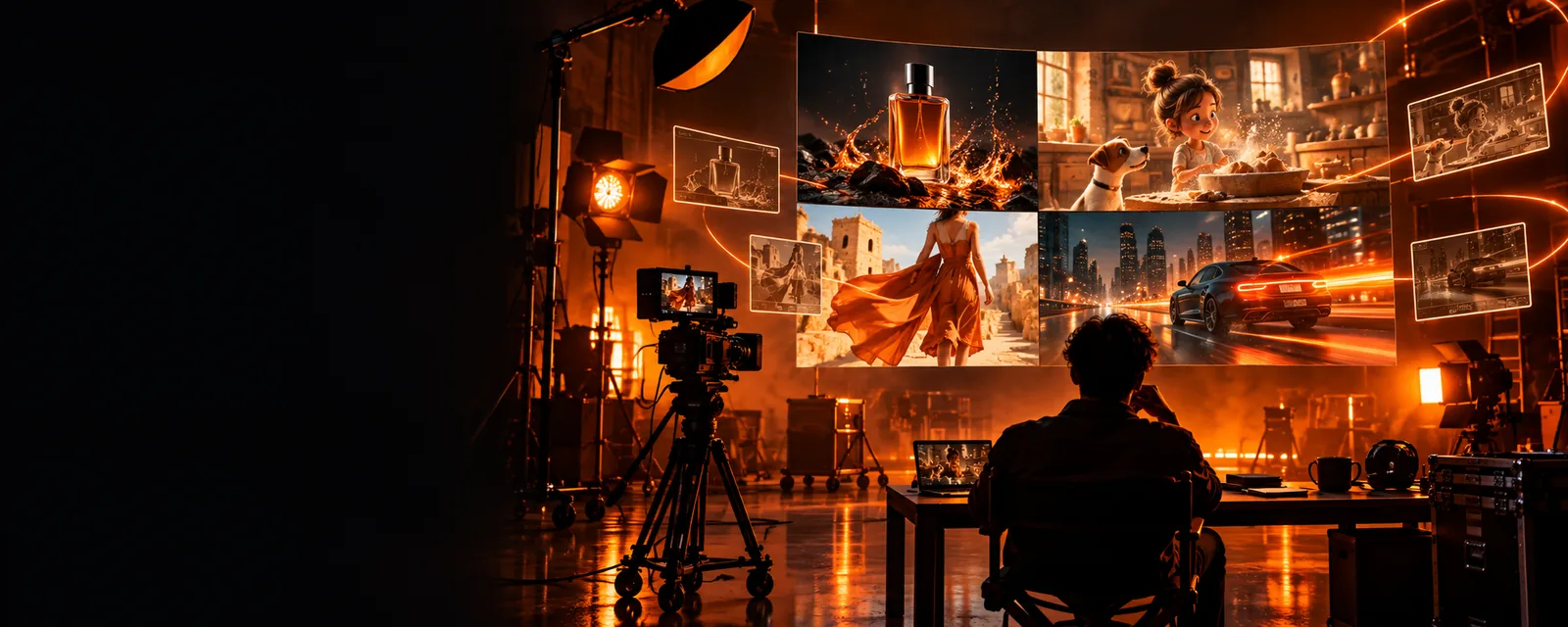
Abstract cinematic video scene representing prompt-led creation

Explore related topics

Start with the right angle

Move from the broad workflow to focused questions about access, safety, examples, and alternatives.

Set expectations

Where the workflow has edges

Prompt-based video creation is useful, but it is not a substitute for direction, checking, or a complete production pipeline.

A prompt is not a finished brief

Short instructions can leave camera movement, subject identity, pacing, and visual continuity open to interpretation.

Workaround

Specify the subject, setting, action, camera behavior, mood, and intended duration before generating.

Results may need selection

A first output can miss a small visual detail, change an object between frames, or interpret a phrase differently than intended.

Workaround

Generate with a review mindset, keep the strongest take, and revise one variable at a time.

Consistency is not automatic

Keeping the same character, product, wardrobe, or location stable across multiple clips can require careful prompting and editing.

Workaround

Reuse precise descriptions, keep references consistent where supported, and assemble short shots deliberately.

It is not the whole post-production stack

A generated clip may still need trimming, sound, captions, brand checks, color work, or approval before publication.

Workaround

Treat the output as a draft asset inside a broader creative workflow.

Core workflow

The process in three deliberate moves

A useful result usually comes from a short loop of direction, inspection, and refinement rather than one vague prompt.

  1. 1

    Describe the intended shot

    Write the subject, action, environment, framing, lighting, movement, and tone in plain language. Start specific enough to guide the scene without burying the main idea.

  2. 2

    Inspect the first result

    Check motion, continuity, composition, readable details, and whether the clip communicates the original idea. Separate creative preference from an actual generation problem.

  3. 3

    Refine and assemble

    Change the weakest instruction, generate another variation when appropriate, and place the selected clip into the larger edit with sound, text, or additional footage.

From idea to draft

A prompt becomes more useful when the brief becomes clearer

The comparison is not a promise of one fixed output. It shows the difference between an under-specified starting point and a more directed creative brief.

Early concept for a prompt-led video scene Loose direction
More directed concept for a polished video scene Directed brief
Specificity gives the model more to interpret.

Practical applications

Who may find this workflow useful

Different creators can use the same process, but the success criteria change with the job. Each path below points to a related question worth answering before you commit to a workflow.

Concept designers

Turn a written mood, setting, or visual metaphor into a short moving reference.

Useful for exploring composition and atmosphere before investing in a full shoot or edit.

pollo examples youtube

Social video teams

Test several hooks, visual openings, or short scene ideas for a campaign draft.

Makes early creative comparison easier, provided every selected clip is reviewed for brand fit.

free pollo ai video

Independent filmmakers

Sketch a transition, establishing shot, or visual treatment before production planning.

Helps communicate an idea to collaborators without treating the draft as final footage.

pollo ai tutorial

Educators and presenters

Create a visual starting point for a lesson, explainer, or narrated sequence.

Can support storytelling when the generated scene is checked for clarity and factual context.

what is a pollo

Workflow comparison

A guided generation loop versus a one-pass approach

The difference is less about choosing a magic button and more about how much direction and review you build around the generation step.

Guided workflow
One-pass workflow

Starting brief

Guided workflow

Subject, action, setting, framing, and tone are stated together.

One-pass workflow

A short idea is submitted with little scene direction.

Creative control

Guided workflow

The creator identifies which variables should remain stable.

One-pass workflow

The tool must infer most visual priorities.

Review point

Guided workflow

The first result is treated as a draft to inspect.

One-pass workflow

The first result is more likely to be treated as final.

Revision method

Guided workflow

One weak instruction is changed at a time.

One-pass workflow

Many changes may be bundled together, making results harder to compare.

Continuity planning

Guided workflow

Descriptions and references are reused across related shots.

One-pass workflow

Each prompt may describe the scene from scratch.

Publishing readiness

Guided workflow

Editing, sound, captions, and approval remain explicit steps.

One-pass workflow

Generation is mistaken for a complete production pipeline.

Best use

Guided workflow

Exploration, storyboarding, and deliberate short-form drafts.

One-pass workflow

Quick experimentation when precision is not the main requirement.

Make the next draft

Turn one clear idea into a video experiment

Bring a concrete scene, product moment, or visual treatment to the next step. Start with the main action, review the result carefully, and refine before sharing it.

Create a video
  • Describe the scene in plain language
  • Review motion and continuity
  • Refine before publishing

Common questions

Questions about pollo ai

These answers keep the focus on the broad search for pollo ai and the practical decisions that surround it.

Pollo ai refers to an AI-assisted video creation workflow built around describing visual ideas in text and reviewing generated results. The useful question is not only what it can produce, but how well the process fits the creator’s brief.

The workflow generally begins with a scene description, continues with generation, and then relies on inspection and refinement. Clear information about the subject, action, setting, camera, and mood gives the creative process more direction.

It can be considered for concept exploration, short visual drafts, social content ideas, storyboarding, and treatments for scenes that are difficult to capture immediately. Outputs should still be checked for continuity, clarity, and suitability for the intended audience.

No. Generated footage may be only one part of a finished project. Trimming, sequencing, sound, captions, brand review, accessibility checks, and final approval can remain necessary after generation.

Begin with a focused brief rather than a vague idea, then inspect the first result for the most important mismatch. Revise the weakest instruction, keep descriptions consistent across related shots, and treat each output as a draft until it meets the project’s needs.

Start creating
Start creating